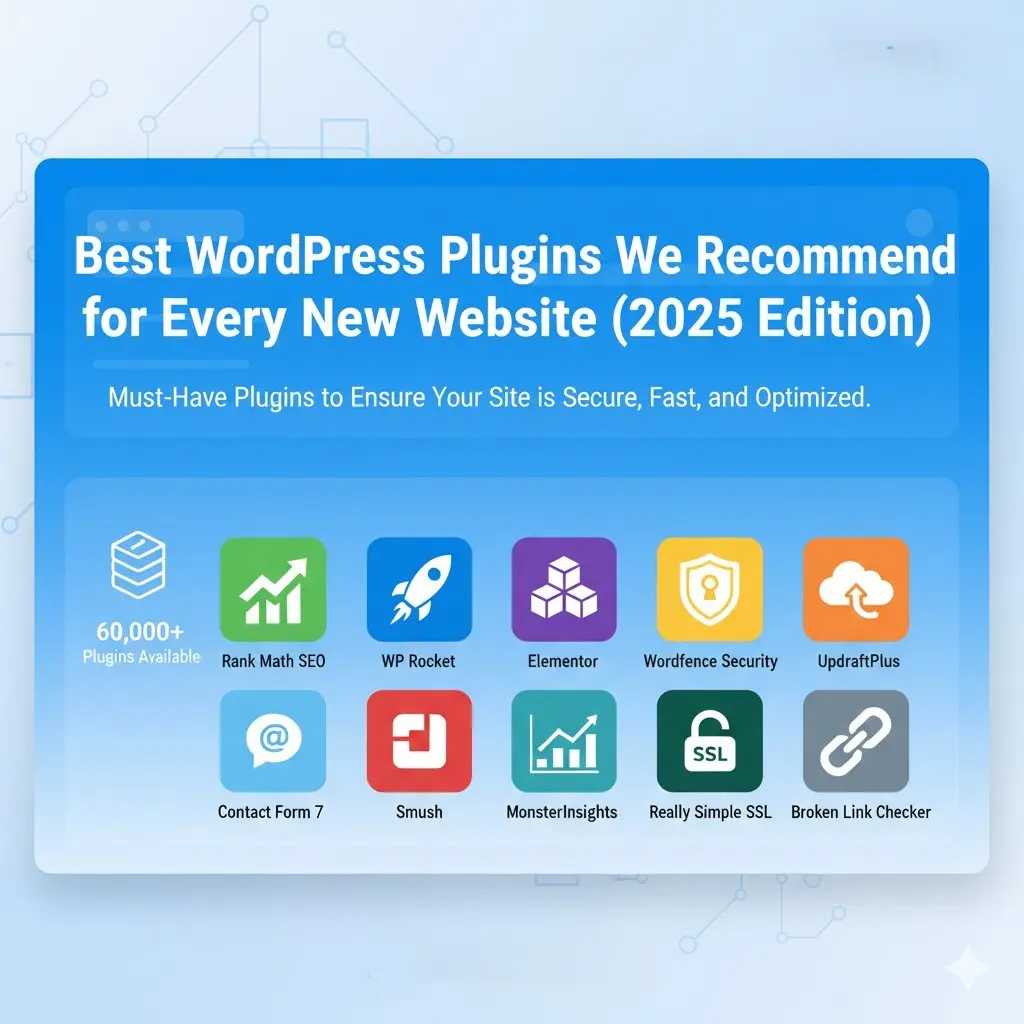
Best WordPress Plugins We Recommend for Every New Website (2025 Edition)
One of the reasons WordPress remains the world’s most popular CMS is its huge library of plugins. But with over 60,000 plugins available, it’s easy to get overwhelmed.
At Websixer, we’ve built and managed hundreds of WordPress websites. Here are the must-have plugins we install on every new site to ensure it’s secure, fast, and optimized for results.
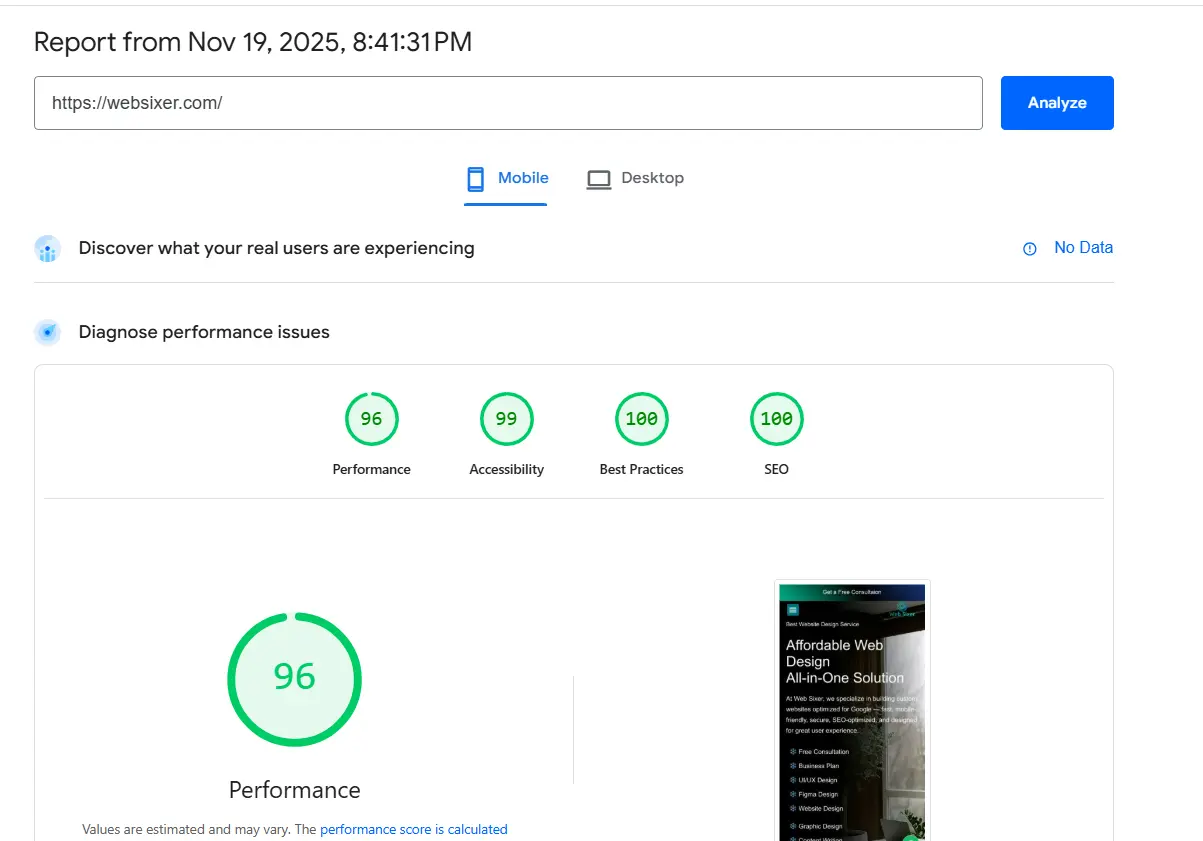
Our Score on Google PageSpeed Insights
Please check our website’s performance using Google PageSpeed Insights and provide the PageSpeed score along with any recommendations for improvement.

1. Rank Math SEO or Yoast SEO
Purpose: SEO optimization
Why we use it: Both Rank Math and Yoast SEO are excellent options for optimizing your website. They let you manage titles, meta descriptions, and schema markup easily, helping your site rank higher on search engines.
For more SEO tips, see our guide on How to Make Your Website SEO-Friendly.
2. WP Rocket (Paid)
Purpose: Speed optimization
Why we use it: WP Rocket is one of the best caching plugins available. It drastically improves site speed, boosting both SEO and user experience.
3. Elementor or Gutenberg Addons
Purpose: Page building
Why we use it: Elementor makes it easy to build beautiful, responsive pages—even if you’re not a developer. Learn more about custom websites in our article WordPress vs Custom Website.
4. Wordfence Security
Purpose: Website protection
Why we use it: Wordfence provides firewall protection, malware scans, and login security, essential for any WordPress site.
5. UpdraftPlus
Purpose: Backup
Why we use it: Backups are critical. UpdraftPlus allows automated daily or weekly backups to cloud storage like Google Drive or Dropbox.
6. Contact Form 7 or WPForms
Purpose: Lead generation
Why we use it: These tools make form building simple with spam protection and integration with email marketing platforms.
7. Smush
Purpose: Image optimization
Why we use it: Smush automatically compresses images without reducing quality, helping your site load faster.
8. MonsterInsights (Lite)
Purpose: Analytics
Why we use it: Integrates with Google Analytics to give you visitor data directly in your WordPress dashboard.
9. Really Simple SSL
Purpose: HTTPS activation
Why we use it: Automatically detects and configures your site to run over secure HTTPS.
10. Broken Link Checker
Purpose: SEO & UX
Why we use it: Finds and fixes broken links, which can hurt your SEO and frustrate users.
Final Thoughts: Don’t Overload Your Site
Install only what you need. Too many plugins slow your site and increase the risk of conflicts.
Need help setting up your WordPress site the right way? Talk to our WordPress experts at Websixer.
Frequently Asked Questions
Q1: What are the most essential plugins for a new WordPress site?
A: Rank Math or Yoast SEO, WP Rocket, Wordfence, and UpdraftPlus are must-haves for SEO, speed, and security.
Q2: Are free plugins enough for small business websites?
A: Free plugins work well initially, but premium tools like WP Rocket or Elementor Pro offer better performance.
Q3: How many plugins are safe to use on WordPress?
A: Try to keep it under 15 active plugins to avoid performance or compatibility issues.