10 Website Design Mistakes Businesses Still Make in 2025
Despite all the tools, templates, and trends available in 2025, many business websites still suffer from design issues that kill conversions and trust.
At Websixer, we’ve redesigned hundreds of sites—and most had at least one of these problems.
Avoid these 10 website design mistakes if you want your visitors to stay, engage, and buy.
1. No Clear Call-to-Action (CTA)
Visitors should never have to guess what to do next.
Mistake: “Nice website… but what now?”
Add strong CTAs like Get a Quote, Call Now, or Start Free Trial where they fit naturally.
For more guidance on conversion-focused layouts, explore our Website Design Services.
2. Poor Mobile Experience
Over 70% of users browse on mobile.
If your site looks bad or loads slowly on phones, you’re losing money.
Use mobile-first responsive design and test every page on real devices.
If your current site feels outdated, read 7 Signs You Need a Website Redesign.
3. Overloaded Homepages
Trying to show everything at once confuses users. Less is more.
Focus on 1–2 key actions per section, use white space, and simplify navigation.
4. Slow Loading Speeds
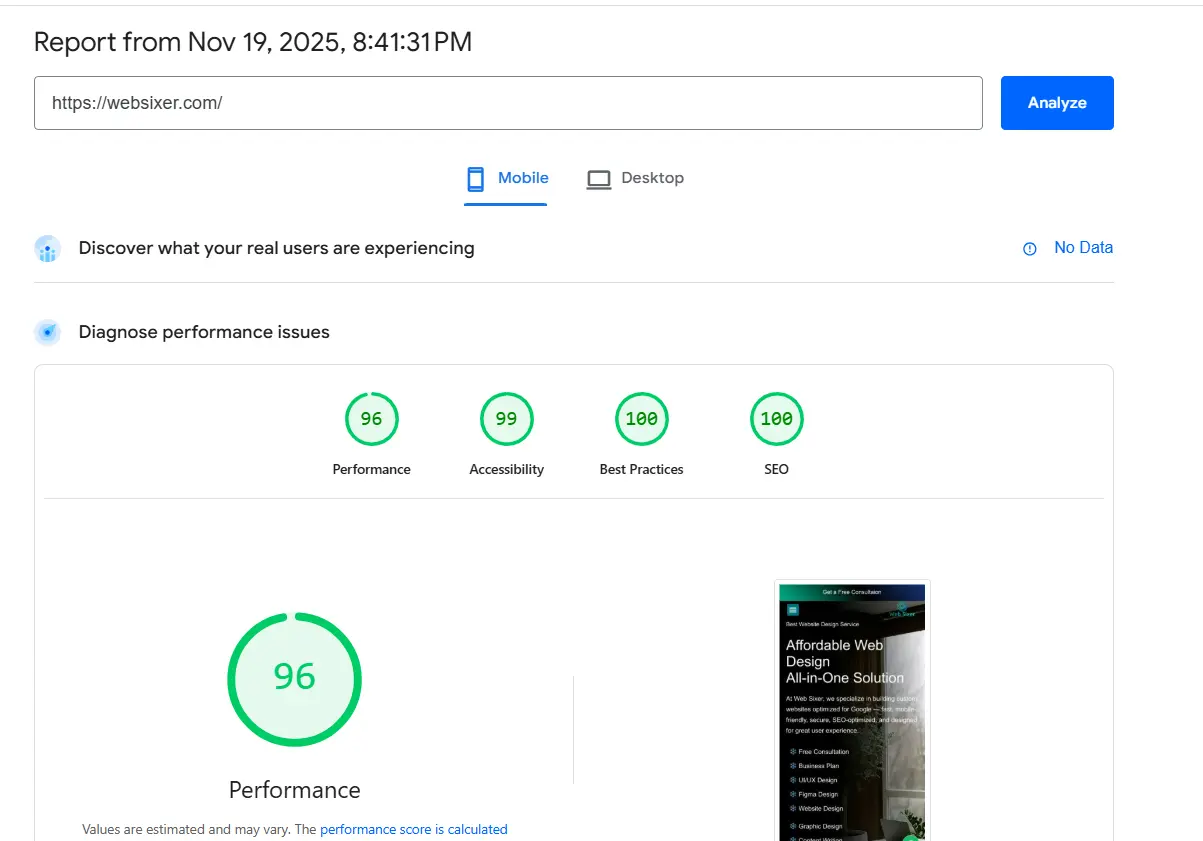
Speed is no longer a luxury—it’s critical for SEO and user experience.
Use tools like GTmetrix and PageSpeed Insights to evaluate performance.
For SEO-friendly structure tips, see SEO-Friendly Website Design.
5. Stock Photos That Look Generic
If visitors have seen the same smiling team on ten other sites, trust drops fast.
Use real photos, branded visuals, or custom graphics that show your true identity.
6. Lack of Trust Elements
Missing testimonials, reviews, or client logos? That’s a major red flag for potential buyers.
Add proof elements above the fold or near your CTAs to reinforce credibility.
See examples in our Portfolio.
7. Cluttered Typography
Hard-to-read fonts or messy spacing make your site feel unprofessional.
Stick to 1–2 font families, ensure readable line-height, and optimize contrast.
8. No SEO Fundamentals
Without proper meta tags, alt text, or heading structure, your site becomes invisible to Google.
Use a plugin like Rank Math to set up SEO correctly from day one.
For expert guidance, check out our Pricing page to see available SEO-optimized packages.
9. Weak Navigation
Confusing menus lead to lost users and higher bounce rates.
Keep navigation simple, label pages clearly, and consider adding a sticky menu on long pages.
10. Ignoring Accessibility
In 2025, accessibility isn’t optional—and ignoring it can even create legal risk.
Use alt tags, contrast-friendly colors, keyboard-friendly navigation, and accessible forms.
Final Thoughts
Great design isn’t just about looks—it’s about function, trust, and clarity.
Avoid these mistakes and you’ll already be ahead of 80% of businesses in your industry.
If you want an expert to evaluate your current site, request a free design audit via our
Contact Page.
FAQ
What’s the most common website design mistake?
Missing clear CTAs and poor mobile design are the most frequent issues hurting conversions.
How can I improve my website design in 2025?
Focus on speed, clear navigation, strong visuals, and trust elements like reviews.
How often should a website be redesigned?
Ideally every 2–3 years to stay updated with trends and technology.