How to Make Your Website SEO-Friendly from Day One (2025 Edition)
A beautiful website is important, but if no one can find it on Google, it won’t help your business.
In 2025, SEO (Search Engine Optimization) must be integrated into your website design from the start—not added later as an afterthought.
Here are the top ways to make your website SEO-ready from day one.
1. Use a Clean, Crawlable Site Structure
Search engines need to crawl your site easily. A clear structure benefits both users and Google.
Use clear, keyword-rich URLs (e.g., example.com/services)
Keep page depth shallow (no more than 3 clicks from homepage)
Include sitemap.xml and robots.txt files
2. Mobile-First Design Is Essential
Google uses mobile-first indexing, meaning it ranks the mobile version of your site first.
Ensure your site is:
Responsive on all devices
Fast loading on mobile
Easy to navigate with clickable buttons and readable text
3. Use SEO-Friendly URLs
Avoid URLs like:example.com/page?id=123
Use readable, keyword-rich, lowercase, hyphenated URLs such as:example.com/best-website-design-2025
4. Optimize Page Speed
Fast websites rank better and improve user experience.
Compress images
Use lightweight themes and clean code
Implement caching and CDN
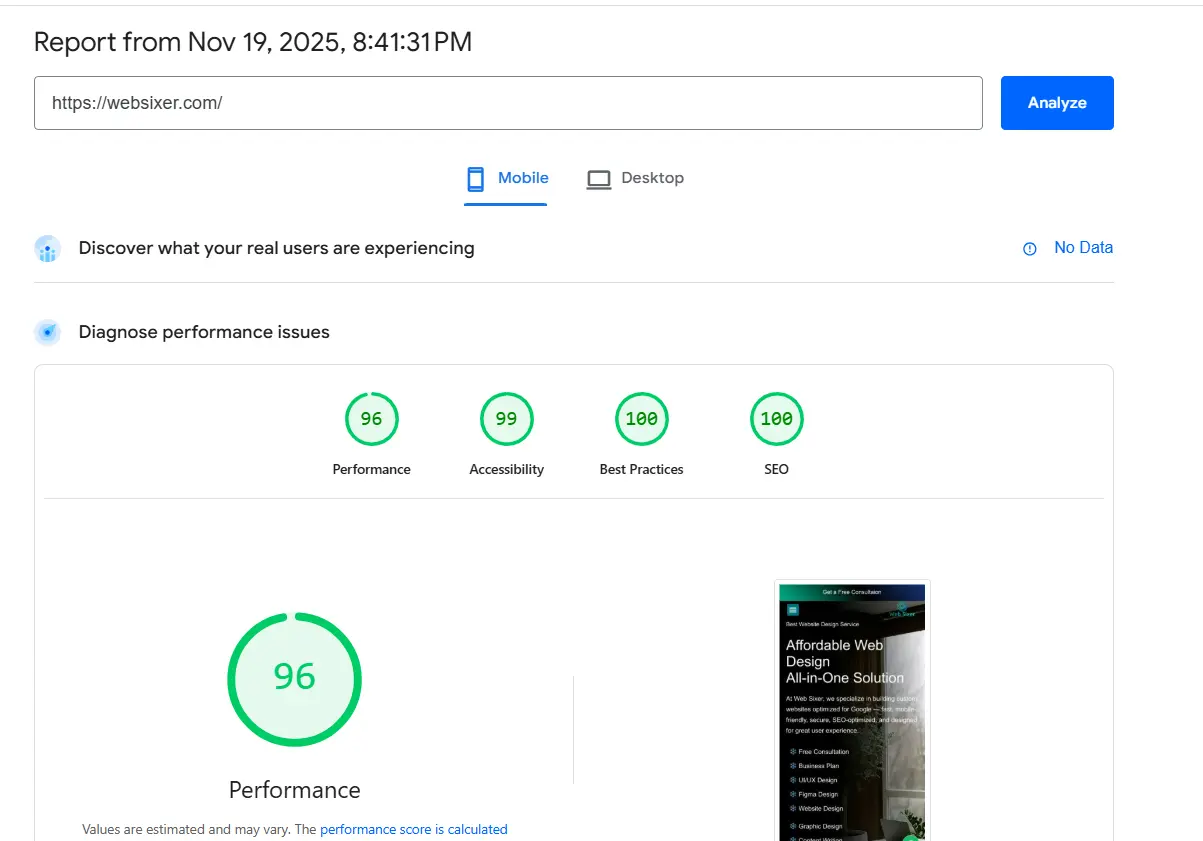
Test with tools like Google PageSpeed Insights
5. Add Unique Meta Titles & Descriptions
Each page should have:
A unique meta title (under 60 characters)
A compelling meta description (under 160 characters)
These elements show up in search results and influence click-through rates.
6. Use Headings Properly (H1, H2, H3)
Structure your content with headings:
One
<h1>per pageUse
<h2>for main sectionsUse
<h3>for subsections
7. Optimize Images
Images should have:
Descriptive file names
Alt text for SEO and accessibility
Compressed formats like WebP or JPEG
8. Secure Your Website (HTTPS)
Google favors secure sites. Use an SSL certificate and keep your site updated to prevent hacks or downtime.
9. Internal Linking
Link your own pages and blog posts to improve crawlability and keep visitors engaged longer. For example, check out our Top Web Development Agency 2025 and explore our services to learn more.
10. Use Schema Markup
Structured data helps search engines understand your content better.
Common schemas include:
LocalBusiness
Product
FAQ
Article
Use tools like Schema Markup Generator to add this easily.
Final Thoughts
SEO success starts during the design phase. Whether you’re building a new website or redesigning an existing one, plan with SEO in mind.
At Websixer, we create websites that not only look great but also rank well, perform smoothly, and convert visitors into customers.
Interested in an SEO audit of your current website? Get in touch with us today.